If you’re buying mainly for gaming, the headline is simple: Pixel 10a and Pixel 9a feel extremely similar in-game because they share the same core performance platform. The decision in the UK usually comes down to price and deals (Pixel 9a can be heavily discounted) versus newer extras (Pixel 10a adds small quality-of-life upgrades and launches with newer software).
Quick UK pricing snapshot (SIM-free):
- Pixel 10a: typically £499 (128GB) / £599 (256GB)
- Pixel 9a: originally £499, but often discounted (you may see £349–£449 for 128GB depending on retailer and timing)
Contents
- 1) Fast verdict: which is better for gaming?
- 2) Specs that matter for gaming
- 3) Real-world gaming expectations (frame stability, heat, battery)
- 4) Network + latency (cloud/remote play)
- 5) Where to buy in the UK (Google Store, Argos, Currys, carriers)
- 6) Best settings & tweaks for smoother play
- 7) FAQ
1) Fast verdict: which is better for gaming?
Buy the Pixel 9a if… you want the best value per frame
- You find it £50–£150 cheaper than the Pixel 10a.
- You don’t care about the Pixel 10a’s small extras (design tweaks, Satellite SOS, minor charging changes).
- You mostly play esports titles (COD Mobile / PUBG / Rocket League Sideswipe etc.) where the phones feel very close.
Buy the Pixel 10a if… you’re buying new at full price anyway
- You’re paying around £499 either way, so you’d rather get the newer model.
- You want the fully flush back (no camera bump) for a steadier grip on a desk or controller mount.
- You value Satellite SOS as an “insurance” feature when travelling/hiking (not a gaming feature, but a real differentiator).
Bottom line for gamers: If the Pixel 9a is meaningfully cheaper, it’s usually the smarter buy. If the prices are close, get the Pixel 10a and move on.
2) Specs that matter for gaming
Here are the bits that actually affect gaming feel day-to-day (smoothness, responsiveness, heat and battery).
| Feature | Pixel 10a | Pixel 9a | Why it matters for gaming |
|---|---|---|---|
| Chipset | Google Tensor G4 | Google Tensor G4 | Main reason performance feels so similar in most games. |
| RAM | 8GB | 8GB | Helps with app switching and keeping a game resident in memory. |
| Display | 6.3″ Actua, up to 120Hz | 6.3″ OLED, up to 120Hz | 120Hz improves scroll + compatible high-FPS games feel snappier. |
| Battery | ~5,100mAh | ~5,100mAh | Longer sessions without panic-charging. |
| Software | Ships newer (Android 16) | Upgradeable | Newer build can improve efficiency over time, but don’t expect miracles. |
| Notable extras | Satellite SOS, flush back design | Often cheaper deals | For gamers: price usually beats extras, unless prices match. |
3) Real-world gaming expectations (frame stability, heat, battery)
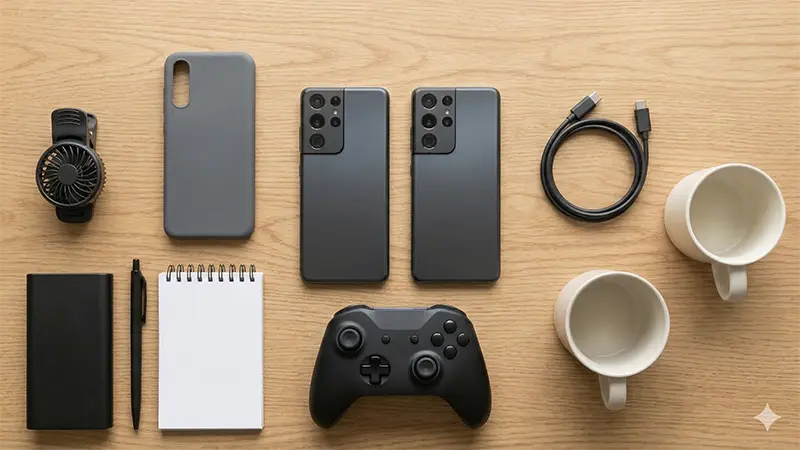
Performance: what you should realistically expect
The Tensor G4 is “fast enough” for day-to-day use and popular games, but it’s not designed to top raw gaming benchmarks. In practice:
- Esports games: generally smooth on high settings (often with high frame-rate modes available).
- Heavy 3D titles: expect best results at Medium (or High with some compromises). If you force max settings for long sessions, you’re more likely to see heat + frame drops.
- 10a vs 9a: because the core platform is so close, any difference you feel will usually be software tuning, thermals, or background apps—not a clear “10a is faster” jump.
Thermals: how to avoid the “warm phone, stuttery fight” moment
- Use a thin case (or none) for long sessions. Thick cases trap heat.
- Avoid charging while gaming if you can (heat + heat = throttling).
- Drop one setting first: shadows or resolution scale typically gives the biggest stability win.
Battery: long sessions
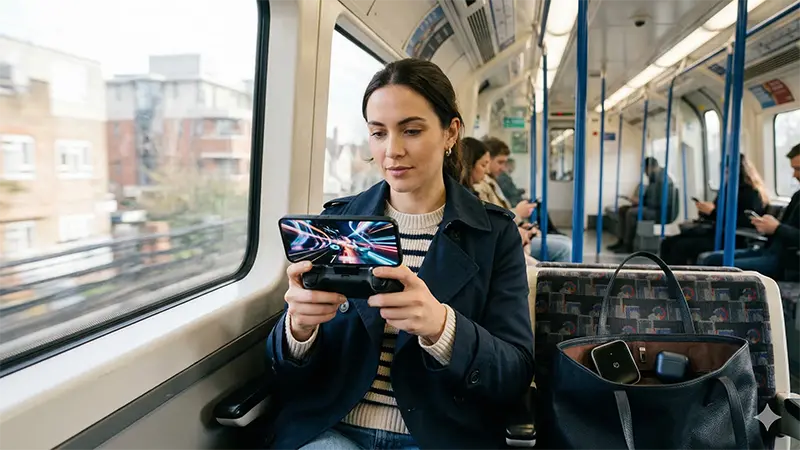
Both phones use a similarly large battery for the price class, which is great for commuting play. If you do longer sessions, consider a compact USB-C power bank and keep brightness sensible.
4) Network + latency (cloud/remote play)
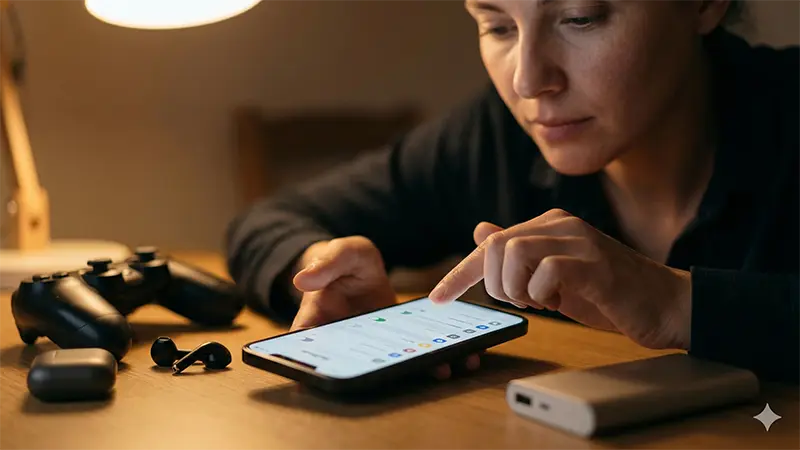
If you use Xbox Cloud Gaming / GeForce NOW / Steam Link / PS Remote Play, your “gaming performance” is mostly about:
- Wi-Fi quality (a solid Wi-Fi 6/6E router helps more than swapping phones)
- Carrier coverage where you actually play
- Controller connection stability (Bluetooth)
Tip: Before committing to a contract, use your chosen carrier’s coverage checker for your postcode and your commute routes. For cloud gaming, stable signal is everything.
5) Where to buy in the UK (SIM-free + pay monthly)
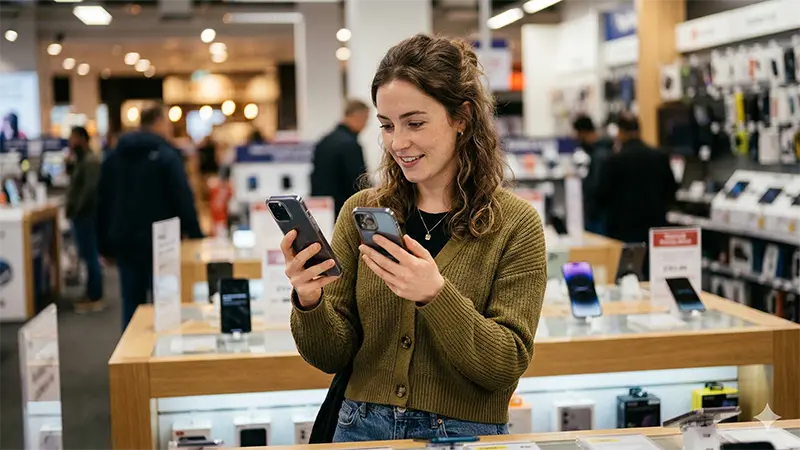
SIM-free (buy outright)
- Google Store UK (official):Pixel 10a from £499
- Argos:Pixel 10a 128GB /Pixel 10a 256GB
Pixel 9a 128GB (watch for discounts) - Currys:Pixel 10a /Pixel 9a
Deal-hunting tip: If you’re flexible, the Pixel 9a can undercut the 10a by a lot during promos. If the 9a is £100+ cheaper, it’s hard to justify the 10a for gaming alone.
Pay monthly (UK carriers)
For most gamers, the best-value contract is the one that gives you good 5G where you play and doesn’t overcharge for data you’ll never use.
- EE: Pixel 10a deals
- Vodafone: Pixel 10a deals
- O2: Pixel 10a deals
- Three: Pixel 10a deals
- Tesco Mobile: Pixel 10a deals
Optional: Use a comparison site to sanity-check pricing before you sign:MSE Cheap Mobile Finder (Pixel 10a)
6) Best settings & tweaks for smoother play
In-game settings (quick wins)
- Target stability first: choose a stable 60fps over an unstable “max fps”.
- Drop shadows and effects before dropping texture quality (textures mainly hit storage/RAM).
- Lower brightness a notch for long sessions (reduces heat + saves battery).
Phone settings (worth doing)
- Turn on Game Dashboard (if available on your build) for quick DND/screenshot controls.
- Use Do Not Disturb during ranked matches to prevent notification stutters.
- If you cloud game: prefer 5GHz Wi-Fi (or Wi-Fi 6/6E) at home.
7) FAQ

Is Pixel 10a faster than Pixel 9a for gaming?
In most games, they feel very close because the core performance platform is similar. If you want a clear gaming jump, you usually need to move up to a higher tier phone (or buy based on price deals rather than generation).
Should I choose 256GB for gaming?
If you install lots of large games (and keep screen recordings), 256GB is a nice quality-of-life upgrade. If you rotate a few titles, 128GB is fine.
Which is better for cloud gaming on the train?
Pick the phone you can get on the carrier with the best coverage on your routes. For cloud gaming, the network matters more than the small differences between these two models.
Disclosure: Links may be affiliate links (at no extra cost to you). Prices and availability change frequently — always confirm at checkout.
コメント